
Welcome to the first in a new mini-series, imaginatively titled Scott’s Tech Blog. This will be occasional forays into my experimentation with technology. The first post is all about a new to me laptop purchase.
I’m being kind to the environment, by recently purchasing a new to me Dell Latitute E6410 laptop. My previous laptops (a HP bought new and another second hand Dell), are now at a point where they’re past there prime. Both are repairable (and may get repaired at some point), but with both having failed batteries and other components requiring replacement, they were just going to take too much time and money to justify repairs just now.
Despite this, I still felt a need for something more substantial than a smartphone or tablet when required, to save firing up my desktop when that’s a bit overkill. After keeping an eye on eBay for a few weeks, I tracked down the E6410 and bought it. The price, despite also having a dead battery, was reasonable, and the specs were a good enough upgrade from the previous Dell to justify the purchase.
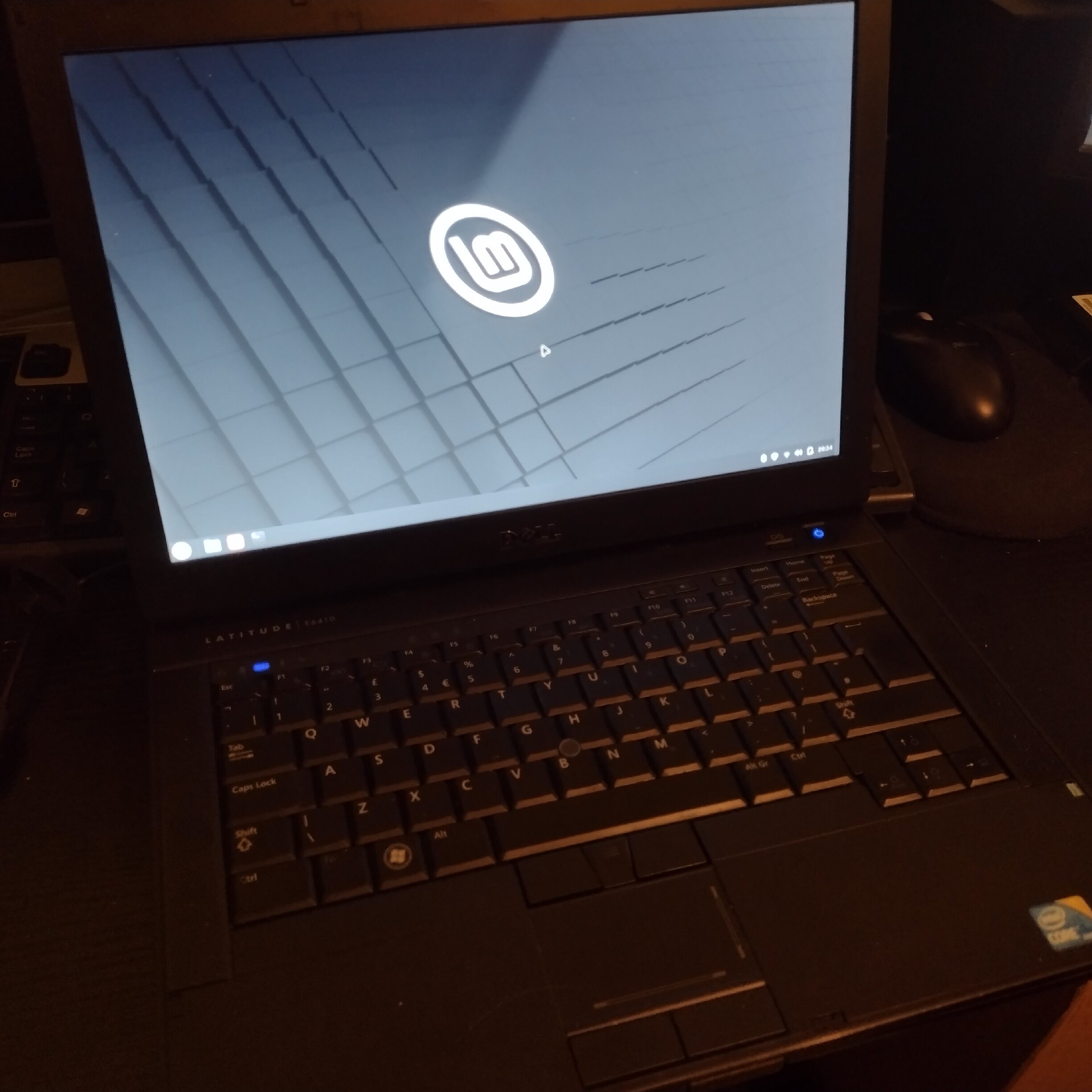
That being said, it’s needed a little bit more work than anticipated. It came with a new power supply, but as much as I don’t mind cheap Chinese made things, the quality seems suspicious (and it occasionally makes a squealing noise). I’ve order a replacement power supply along with a new high capacity battery.
The hard drive it came with was an SSD, but a small capacity 120GB one (looks brand new). I’ve swapped this out for a 480GB spare SSD I had bought originally for the other Dell, which will give plenty of storage space. The smaller SSD would have been fine in a desktop as a boot drive, but for software and general data storage is just too small.
Instead of cloning the hard drive or doing a fresh Windows 10 install, I’ve opted to daily drive Linux Mint on the E6410, and it’s proving great so far. I’ve used Linux before (albeit the Ubuntu flavour), and have usually found it a challenge to get built in WiFi and Bluetooth chips to work. However, the latest version of Linux Mint (once I reset the BIOS settings), worked very well straight away, recognising both the WiFi and Bluetooth chip-sets on the E6410 immediately.
It’s quite liberating not using Windows as an operating system. It’s so much simpler and logical, and beyond a slightly longer initial load time, generally offers better performance. It’s quite nice to give some older tech a new lease of life, whilst hopefully reducing energy consumption going forward.